
A website you can actually rely on.
From a brand-new website to updates on the one you already have, Alex can help make your website easier to manage and more useful for the people who visit it.
We’ll start with what you need the website to do for your business, in plain English. The scope and expected cost are discussed before work begins.
Starting from scratch
New websites
A clear, mobile-friendly website built around your business, your customers and the information they actually need.
We’ll start with
- What your business does and who your customers are
- The information people need to find, and how they get in touch
- The pages and features you need, and the content you already have
Already have a website
Website refreshes
Improve a site that feels outdated, is hard to use or no longer reflects your business.
We’ll start with
- Your current website and what you want to change
- What feels outdated, hard to use or out of step with your business
- The condition of the existing site, which affects the work involved
Ongoing help
Website care & management
Keep your website up to date without handling every little change yourself.
For example
- Content changes
- Routine updates
- Small improvements
A couple of examples of my work.
Both are my own websites, not client commissions.
Business website
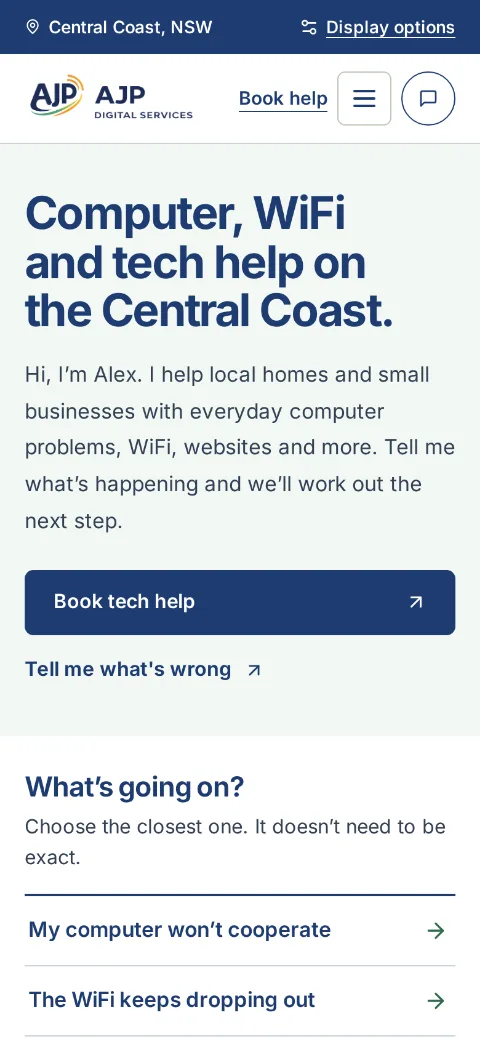
AJP Digital Services
A local technology support website focused on straightforward navigation, clear service information and easy ways to get in touch.
Visit ajpdigitalservices.au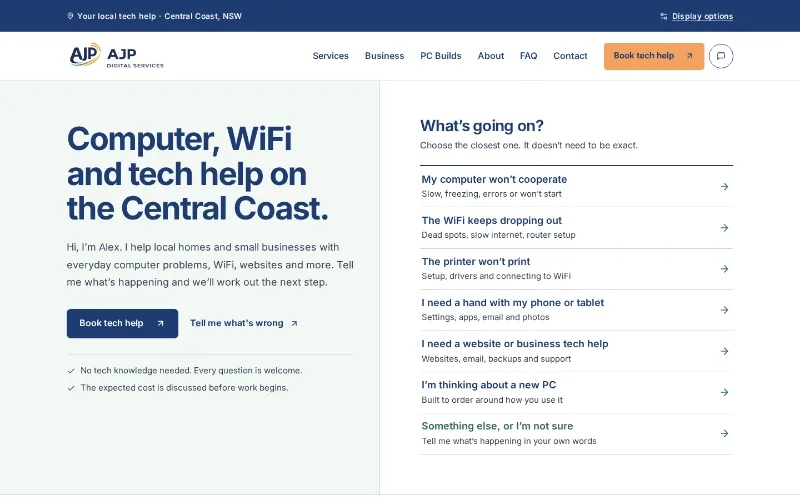
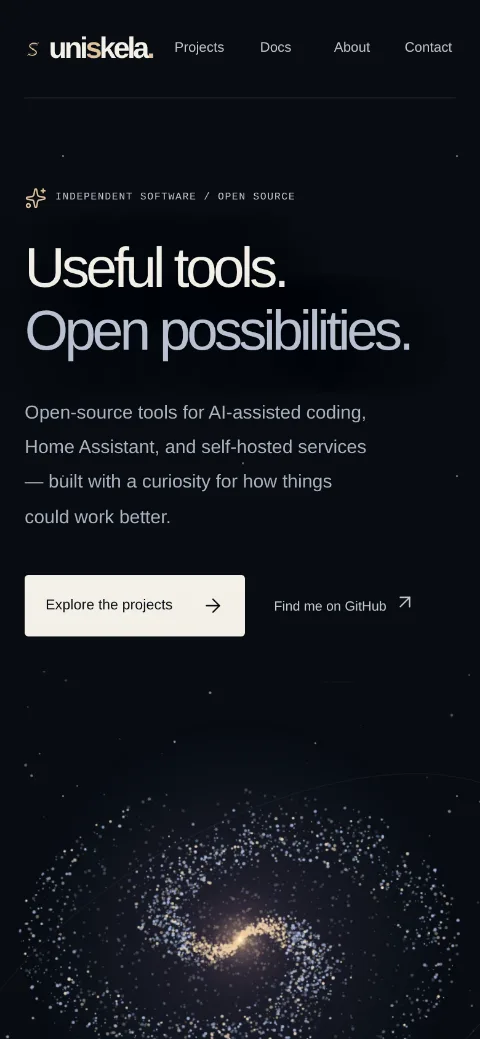
Independent software portfolio
Uniskela
My independent open-source software website, showcasing developer tools, interactive visuals and project documentation.
Visit uniskela.com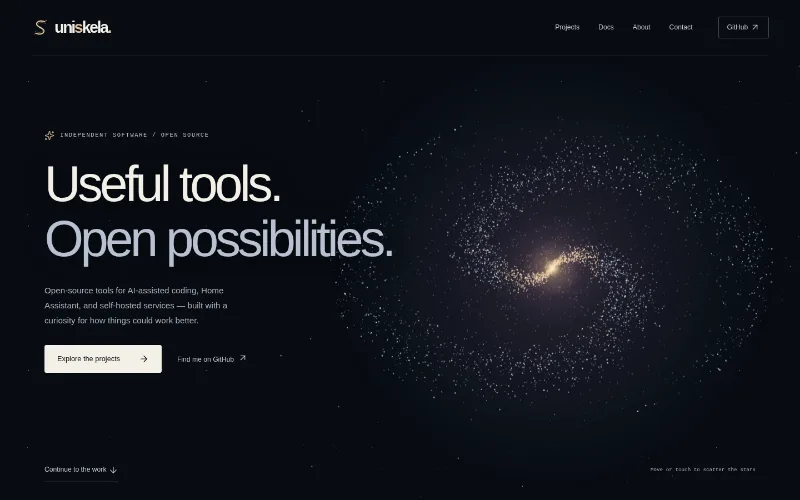
The useful extras around a website.
A website works best when people can easily get in touch, book or find you. Depending on what you need, Alex can help with the pieces around it.
Forms, bookings & useful tools
Contact forms, booking links, maps, reviews and other tools that help visitors get in touch or find what they need. Each one is checked for fit before anything is promised.
Ask about forms and bookingsDomains, DNS & business email
Getting the foundations set up properly, with help understanding how your domain, website and email fit together.
Ask about domains and emailWhat happens after you get in touch.
The pages and features you need, the content you already have and the condition of an existing site all affect the work involved.
- 01
Share what you have
Your current website if you have one, what you want to change and any timing you have in mind.
- 02
Talk through the scope
Alex will discuss a suitable scope, what is included and the expected cost before work begins.
- 03
Agree the next step
If you’re happy with the scope and expected cost, we’ll agree on the next steps. Website care and ongoing changes can be discussed separately.